Add More Region Support on PicoGW UI
Summary
PicoGW UI is provided by Semtech®, allow users running a Pico Cell LoRa Gateway (HT-M01) on Windows® with directly UI.
But PicoGW_UI only provided four region support by default.
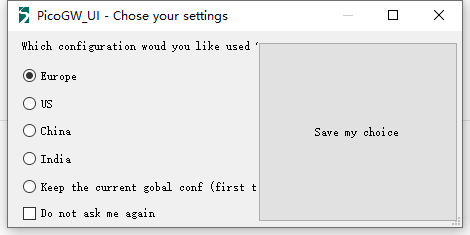
Add More Region Support
Suppose you need to add support for AU915_SB2 (AU915 Sub-band 2 for TTN)
Clone or download this repository: https://github.com/HelTecAutomation/lorasdk;
Rename
global_conf_AU915_SB2.jsontoglobal_conf.json;Copy
global_conf.jsontoC:\Users\user name\AppData\Roaming\Semtech\PicoGW_UIpath and replace the current one;Reopen PicoGW_UI and choose
Keep the current gobal conf.
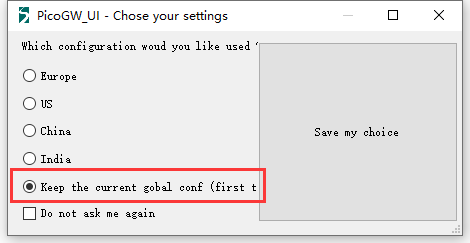
Now, the PicoGW_UI will work on the definition of global_conf.json.