Heltec WiFi LoRa 32 V3 Connect to Snapemu
Register a LoRa Node in Snapemu
User log in to Snapemu by using their Heltec website account.

User successfully logs in, this interface will be displayed.
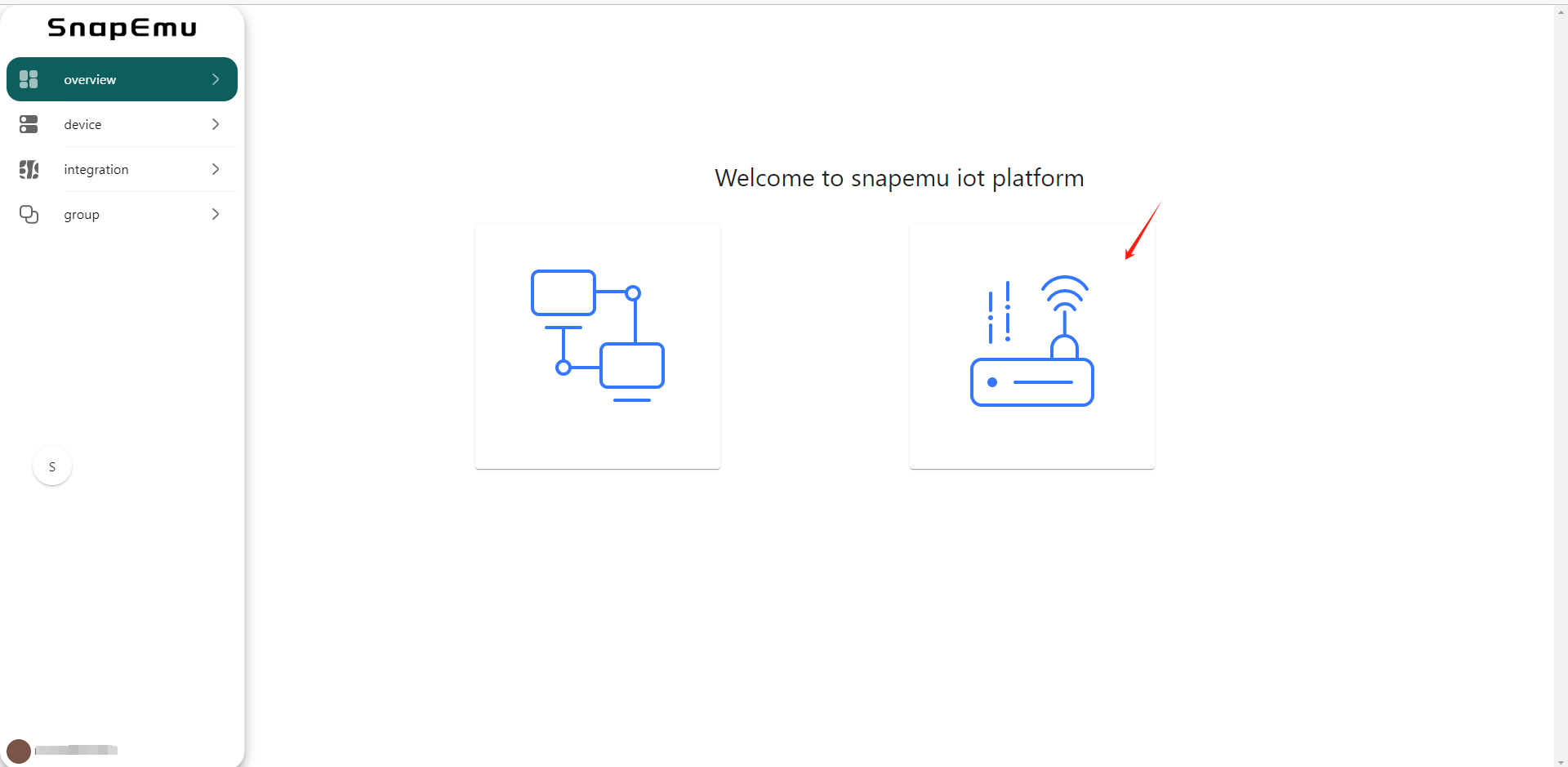
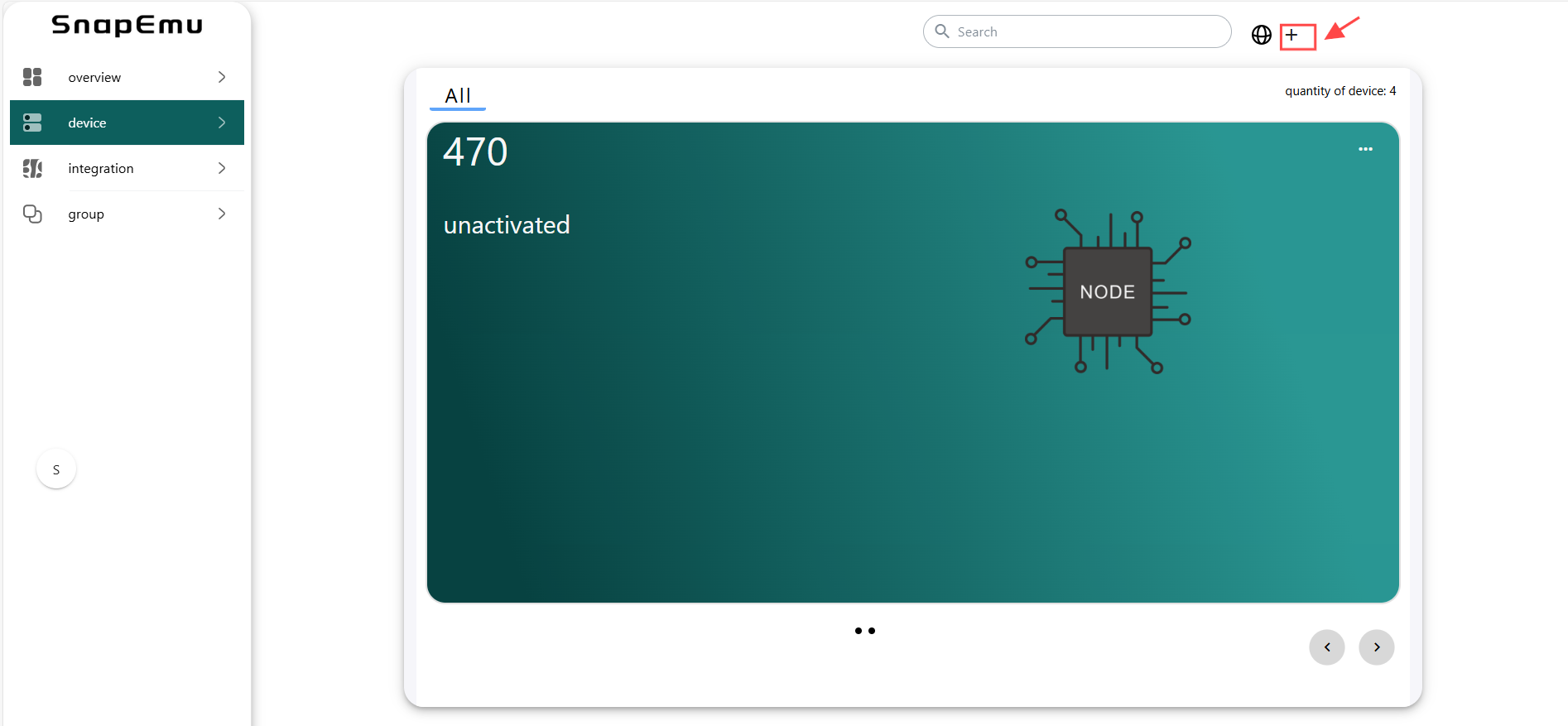
Registering the device, click where shown below.
Fill in configuration information on this interface and submit it after completion.
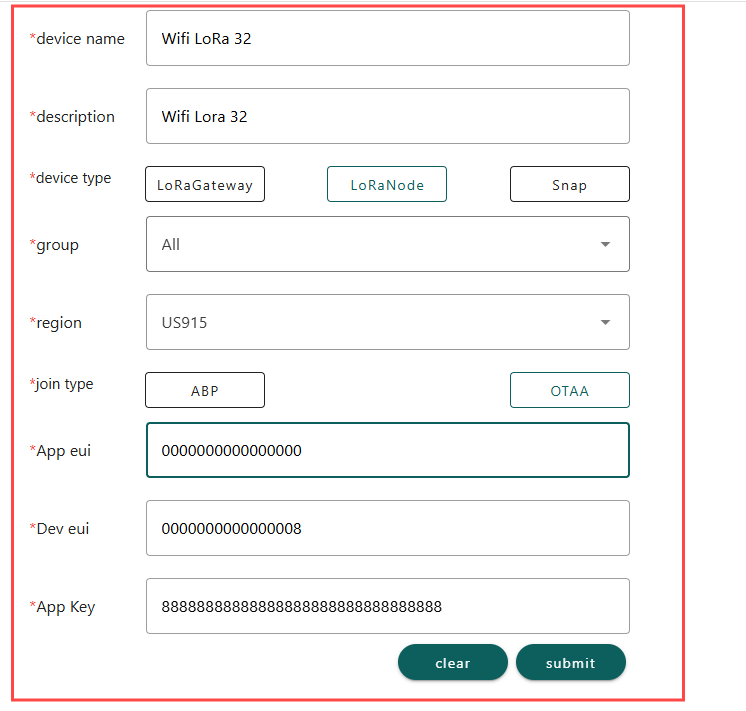
device nameanddescriptioncan be filled in freely, and they will become the name and remark of the device displayed on the platform.groupdenotes the grouping of the device on SnapEmu.Device typeThis device is a node, so choose “LoRaNode”.RegionMatch the frequency band of the LoRaNode.jointypeAll choose OTAA modeAppeuiandDeveuiandAppKeyneed to match the LoRaWAN code, which can be customized by the user. When registering, only the numerical value needs to be filled in.

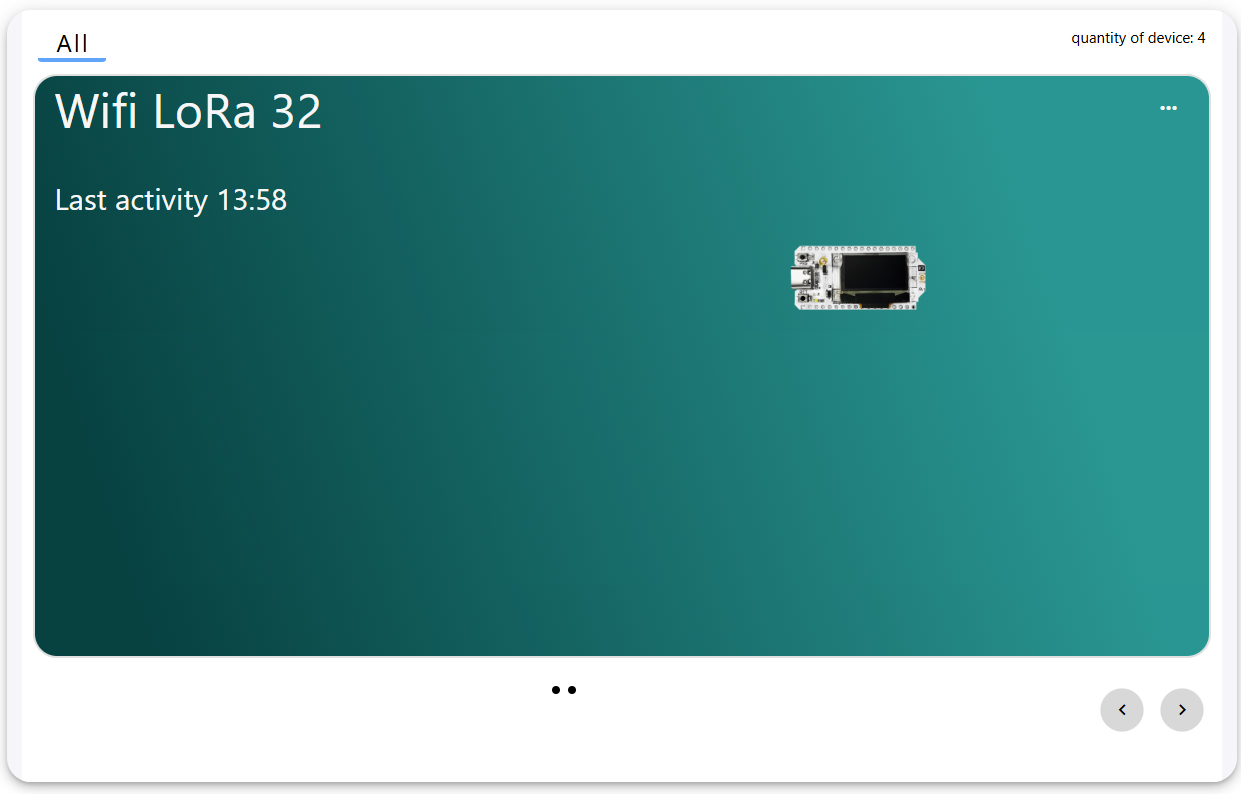
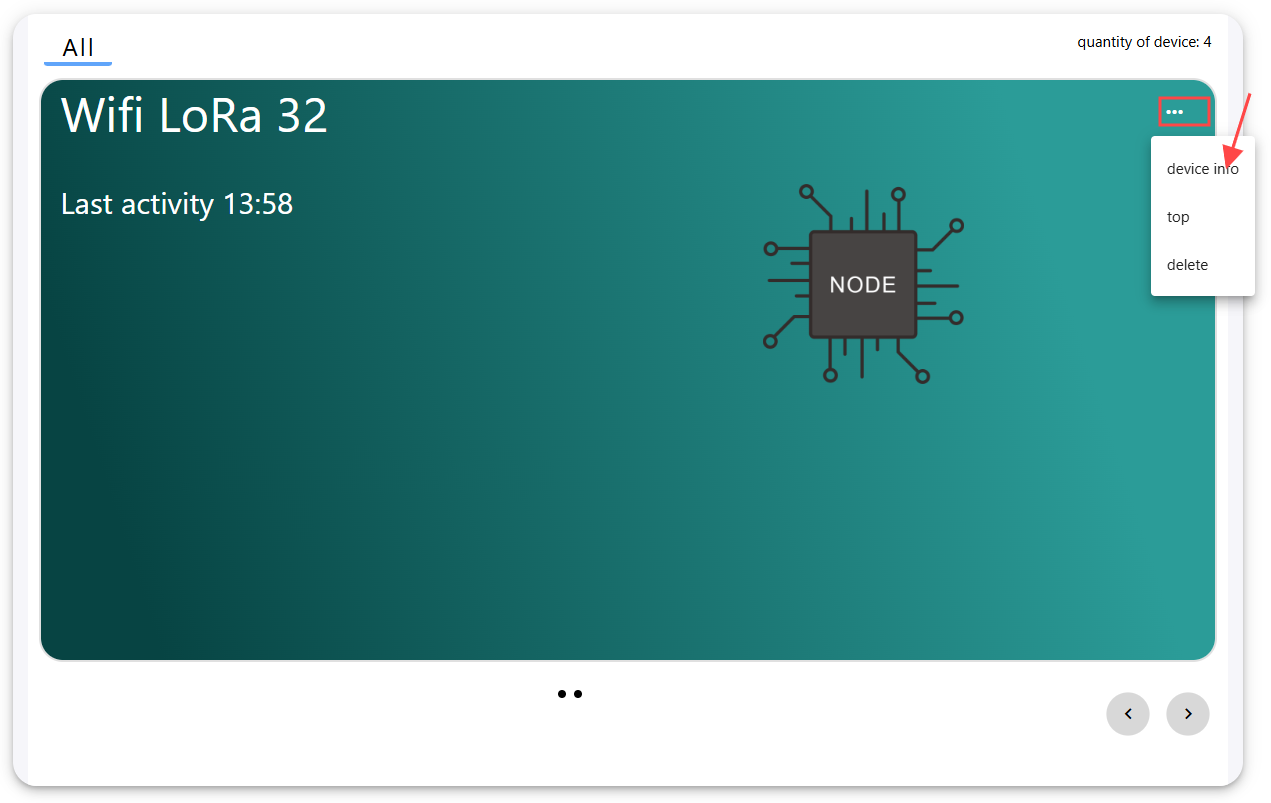
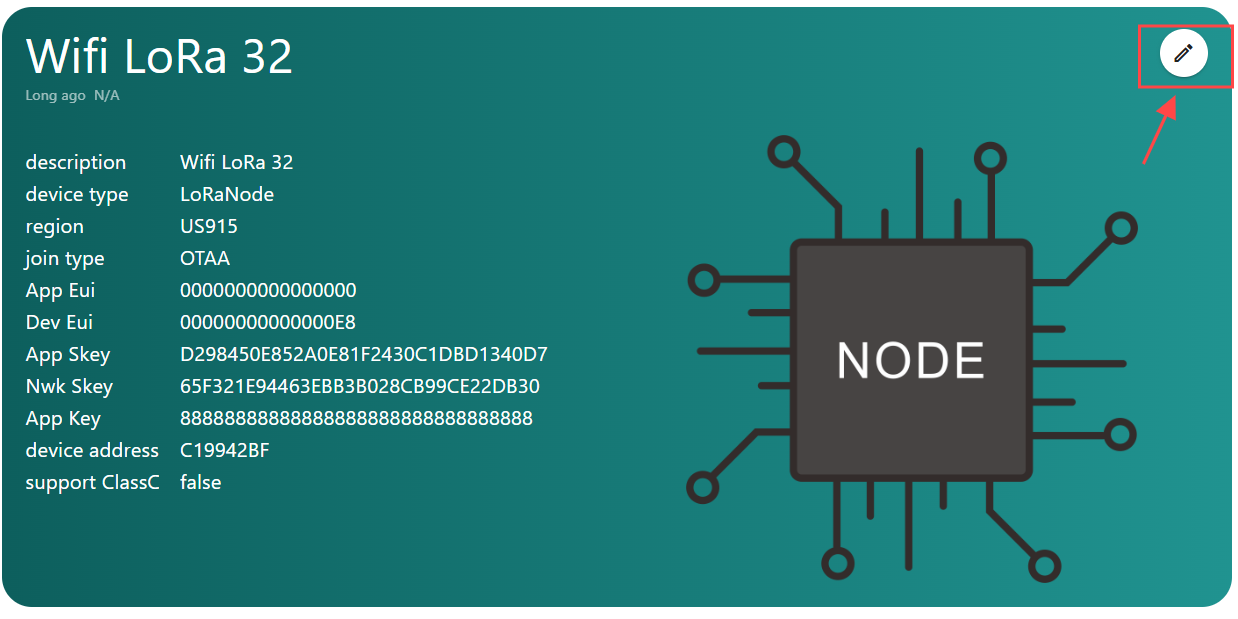
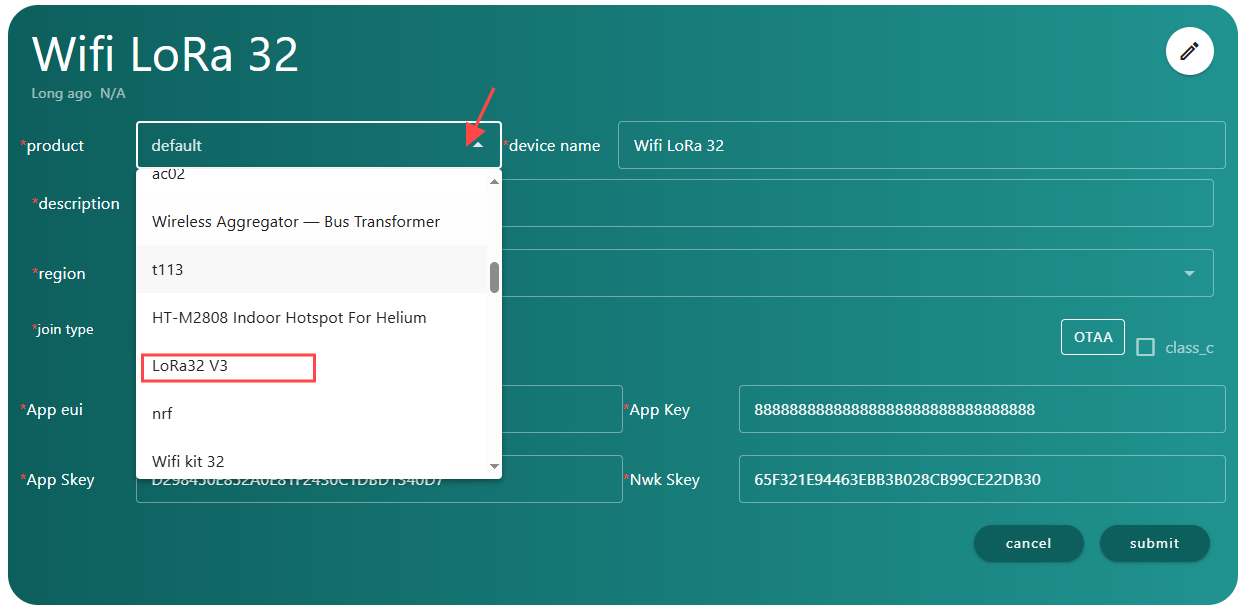
After running the lorawan code, the device will be automatically activated, and if everything goes smoothly, it will be as shown in the figure. Then click here to select the corresponding product image.
The final result will be as shown in the figure.